 shopcloud
For business customers
Quote requests are meant for your business customers. Consumers buy directly in the same shop, as guests or with an account.
Not every order can be placed directly, for example for large quantities or a project. In that case, your business customer requests a quote from the cart in your online shop. Your sales team reviews it and sends it, with the line items and customer prices from the cart.
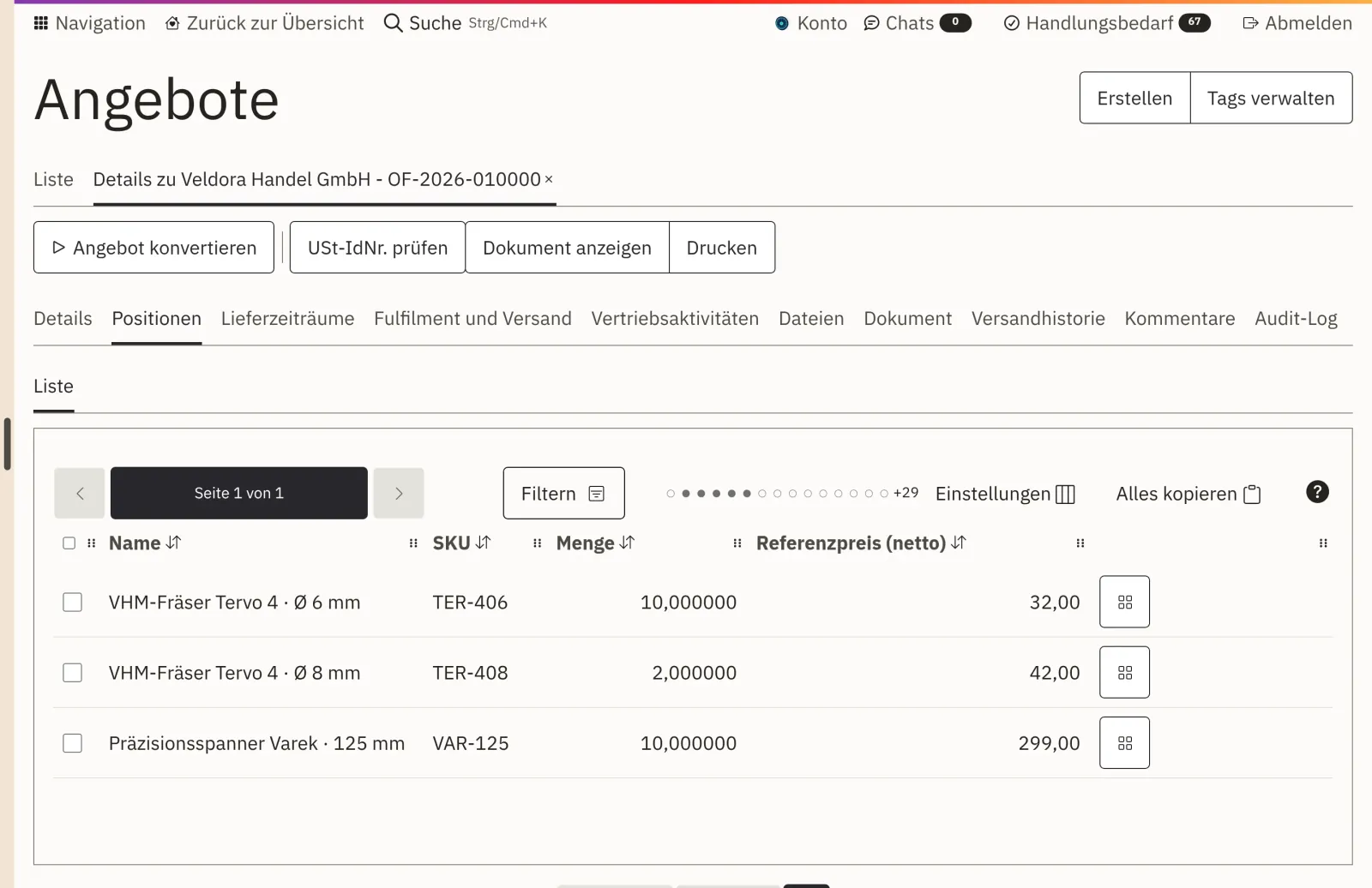
Process
Line items and customer prices are carried over. Nobody has to retype them.
Your business customer puts together their cart and requests a quote from it instead of ordering.
The request becomes a quote with the line items from the cart. Your sales team reviews it and sends it.
If the customer accepts, the quote becomes an order. The invoice shows the same price as the quote.
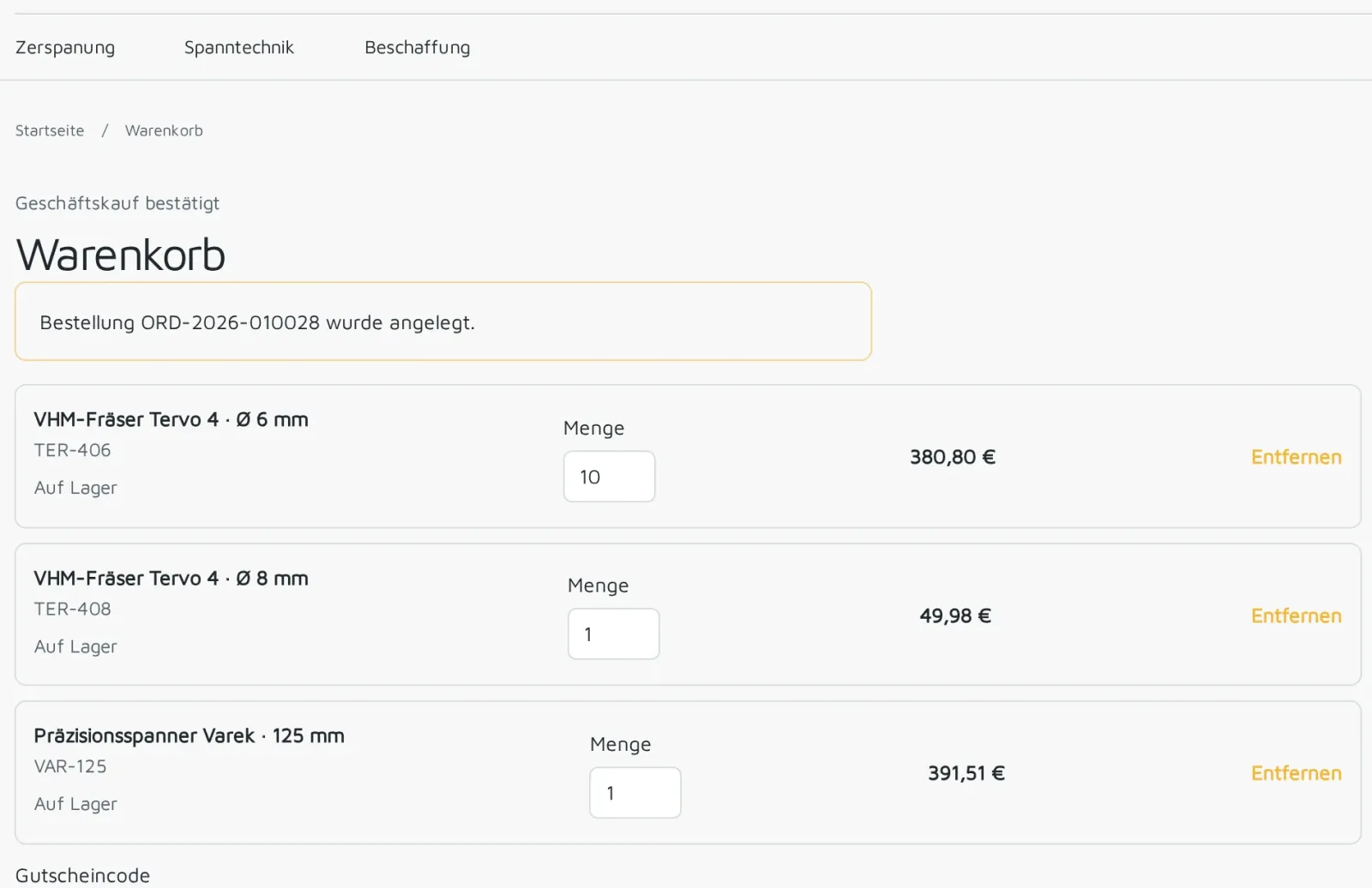
From the cart
After signing in, every business customer sees the prices of their price list, with tiers and net on request. Exactly these prices also appear in the quote. From the agreed quantity, the lower price applies.
One set of prices
Shop, customer portal and quote use the same price lists. Anything that should differ in the shop becomes a separate price list.
Quote requests are meant for your business customers. Consumers buy directly in the same shop, as guests or with an account.
If the customer accepts, the quote becomes the order. They don't have to order again.
The order runs through your order processing, and the invoice shows the quoted price.
Company accounts with roles, prices per customer, tiered pricing and pay on invoice.
View B2B SolutionPrice lists, packaging units and delivery by pallet or freight.
View wholesale FeaturePrice lists for resellers, end customers, countries or promotions, net or gross.
View pricesYour business customers, directly from the cart. Consumers buy in the same shop as guests or with an account.
The prices from the customer's price list, with tiers. Shop, quote and order use the same price lists.
Your sales team. The request becomes a quote with the line items from the cart, which your team reviews and sends.
The quote becomes an order and runs through your order processing. The invoice shows the same price as the quote.
They are part of Shopcloud. What your shop costs is in your offer, which you receive after the demo. How your offer is created
Using sample data, we show you how a cart becomes a quote and how an acceptance becomes an order. Afterwards, you receive an offer for your shop.