 shopcloud
Receipt
The order is created at checkout, with customer, line items, prices and addresses. Your customer immediately receives a confirmation by email.
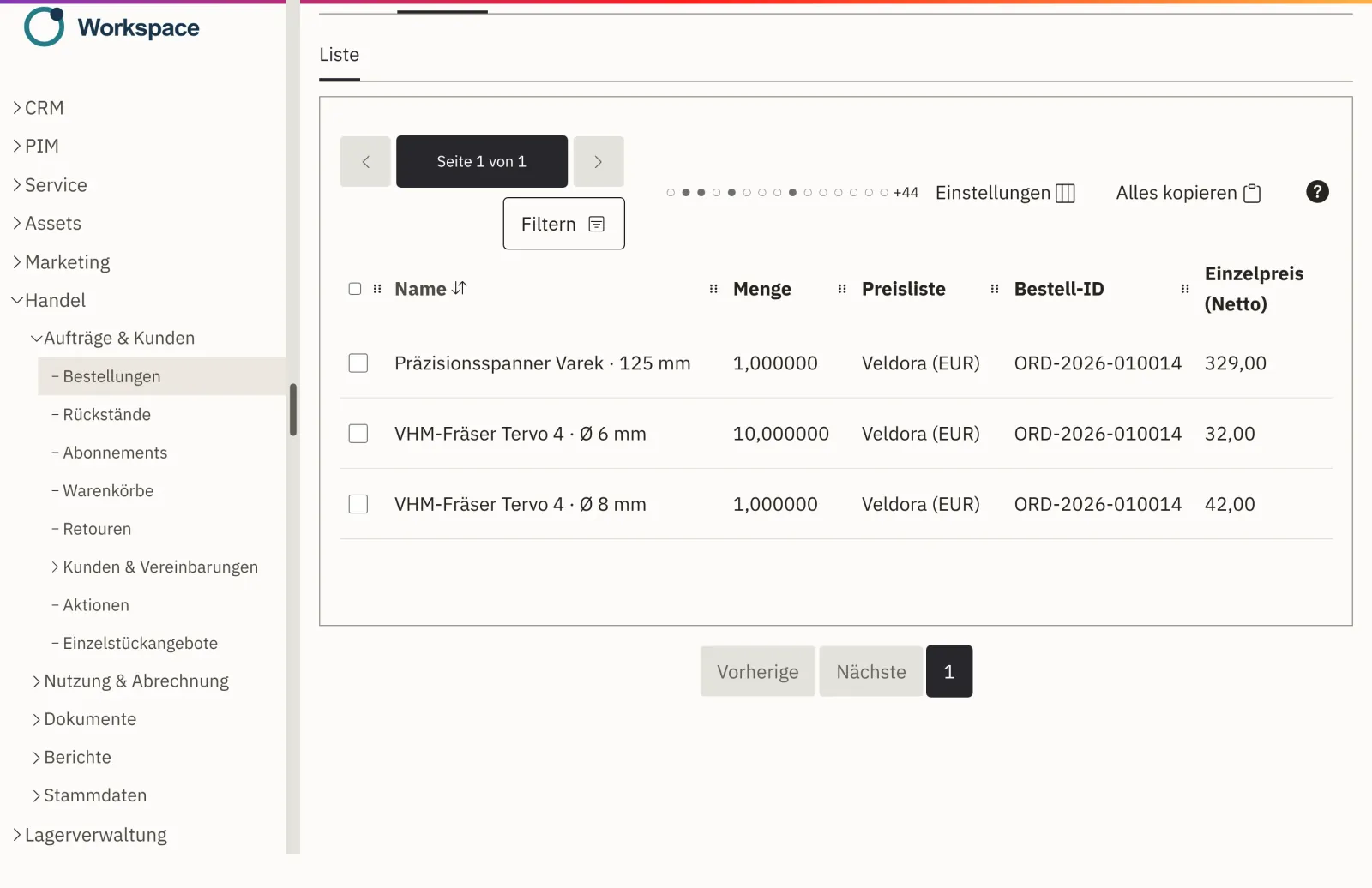
The order from your shop is the same record your team takes all the way to the invoice. Order confirmation, invoice and delivery note are created from this one order, and you record returns against the original order. No interface to a second program is needed for this.
Process
On every order, your team sees how far along it is and what comes next. If a customer asks, anyone can answer right away.
Order processing in the product tourThe order is created at checkout, with customer, line items, prices and addresses. Your customer immediately receives a confirmation by email.
Your team checks line items, prices and shipping and approves the order. The order confirmation goes out as a PDF.
With prepayment, the shipment waits for the payment to arrive. Pay on invoice moves straight on.
The delivery note is created from the order. Once the goods have shipped, your customer receives the shipping notification by email with a PDF.
The invoice is also created from the same order, with the prices the customer saw in the shop.
You record returns against the original order. Cancellation, return and credit note run as separate, visible steps.
Payment method
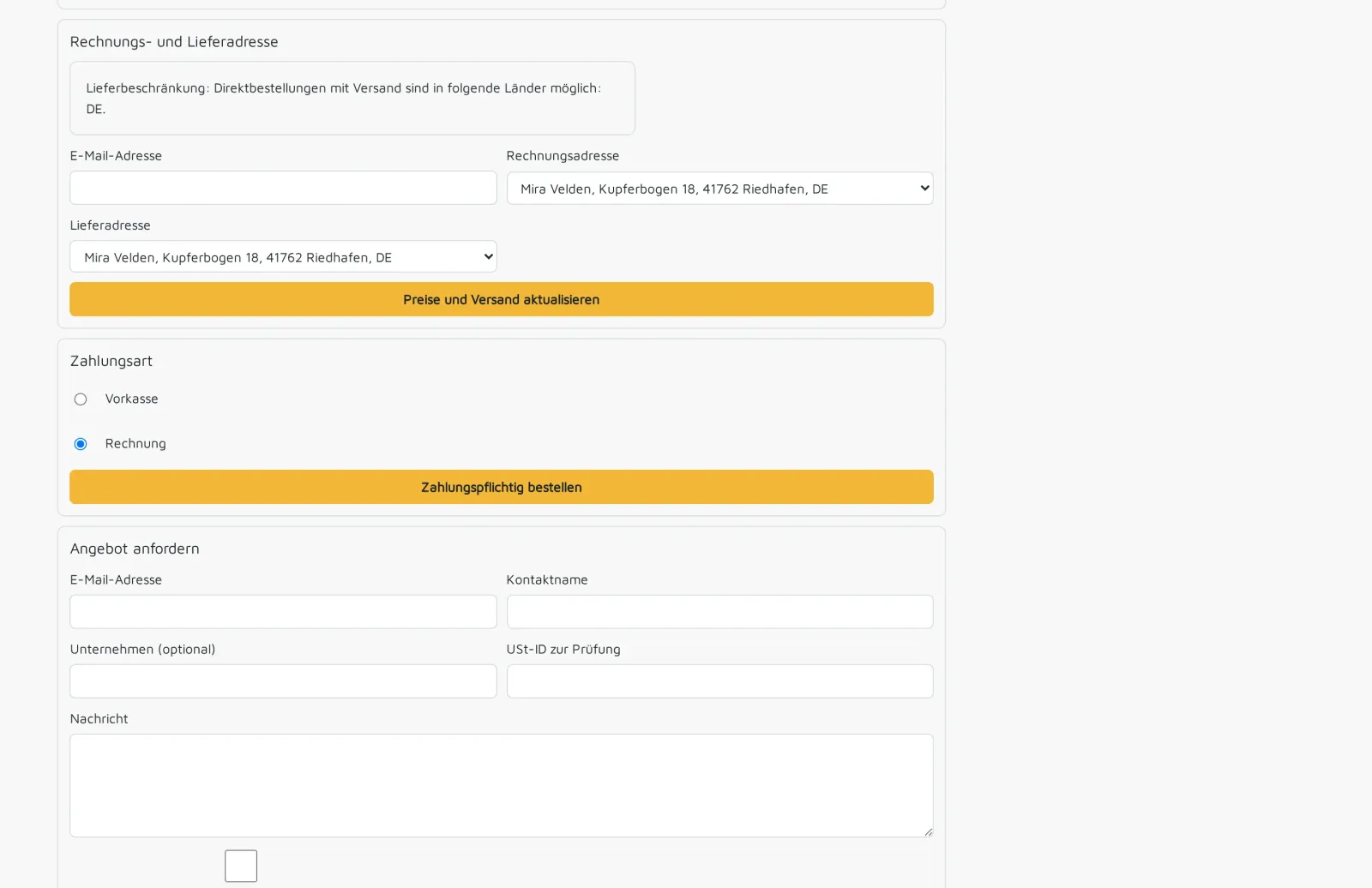
In the shop, your customers pay with PayPal, on invoice or by prepayment. With prepayment, your team confirms receipt of payment on the order, and only then is the shipment released. Approved business customers pay on invoice, and their order moves on without waiting.
On every order
The header of each order shows what needs to be done next. Your whole team can see where it currently stands.
If an order changes, the old order confirmation is marked as outdated. You send the new version to the customer again.
It appears on all documents, so your customer's accounting team can find every document again.
Which document went to whom and when is recorded on the order.
Exactly as in the shop, with tiers from their price list. Nobody has to retype or recalculate anything.
Credit notes and cancellations are created as separate documents that refer to the original invoice. The old invoice remains unchanged.
Scope
Shopcloud is an online shop with order processing, not a full ERP. Anything beyond that, we connect after a review.
Order, order confirmation, delivery note, shipping notification, invoice and return. Plus cancellation and credit note as separate steps.
During the rollout, we configure documents, sender and email delivery for you and go through the first order together with you.
We connect an existing ERP system after a review, as an extension. We agree in advance who maintains it later.
Bookkeeping continues with your tax advisor or in your accounting software. We set up the integration as a separate project.
Company accounts with roles, prices per customer and pay on invoice.
View B2B FeatureYour customer requests a quote from the cart. If they accept, it becomes the order.
View quote requests SwitchingWe import products, prices and customers from a file and redirect the old URLs.
About switchingNo. You process orders, invoices, delivery notes and returns in Shopcloud. We connect an existing ERP system after a review.
From the order itself, together with the delivery note. Line items and prices come from the shop, so nobody has to retype them.
You record the return against the original order. Cancellation, return and credit note run as separate, visible steps.
The shipment waits until your team confirms receipt of payment on the order. Pay on invoice moves straight on.
The old order confirmation is marked as outdated, and you send a new version. After shipping, you correct it through cancellation, return or credit note.
We do. During the rollout, we configure documents, sender and email delivery for you and go through the first order together with you.
Tell us how an order runs at your company today. In the demo, we show you the path from checkout to invoice and returns with sample data. Afterwards, you receive an offer.