 shopcloud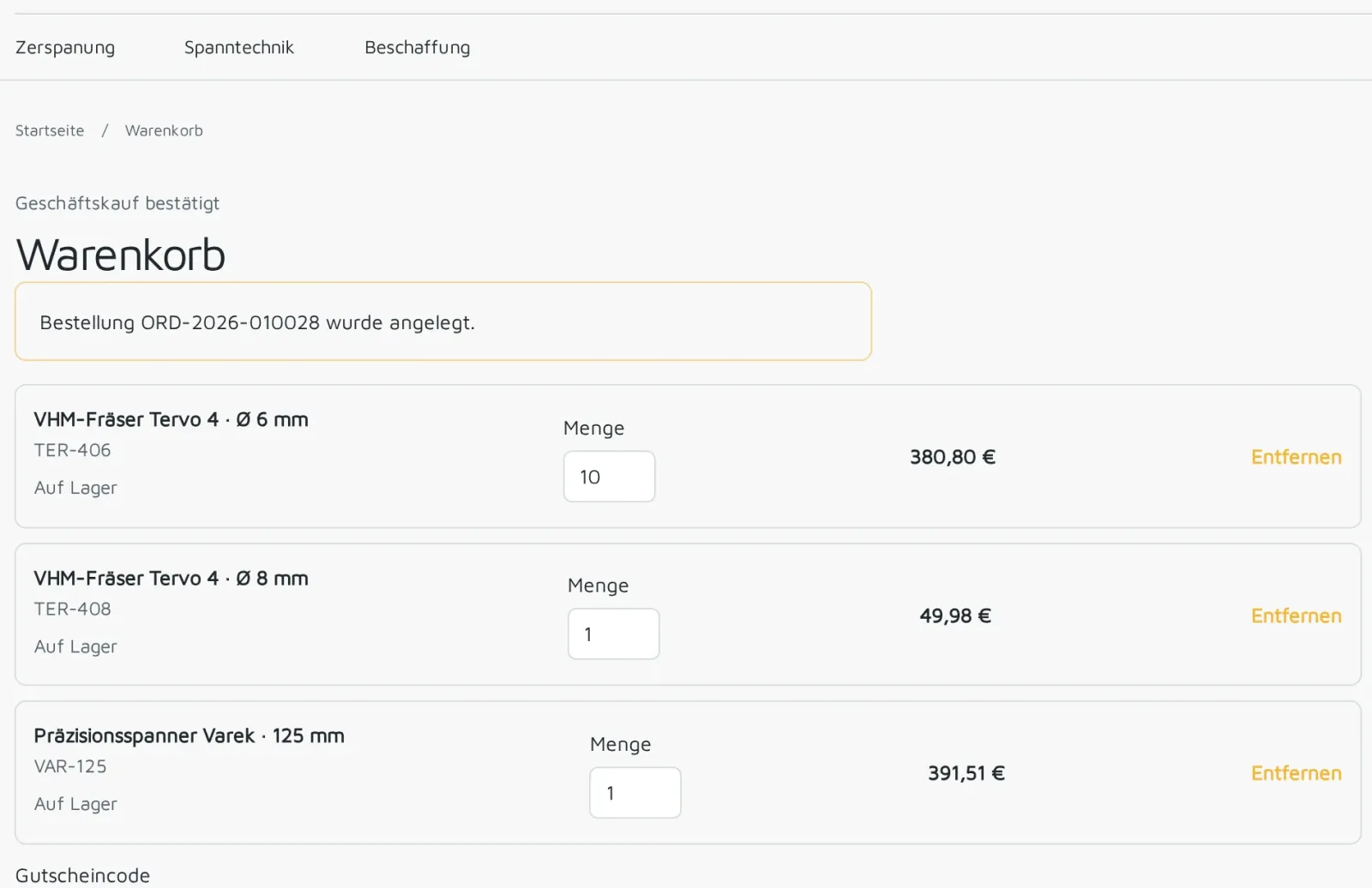
Ordered in the shop
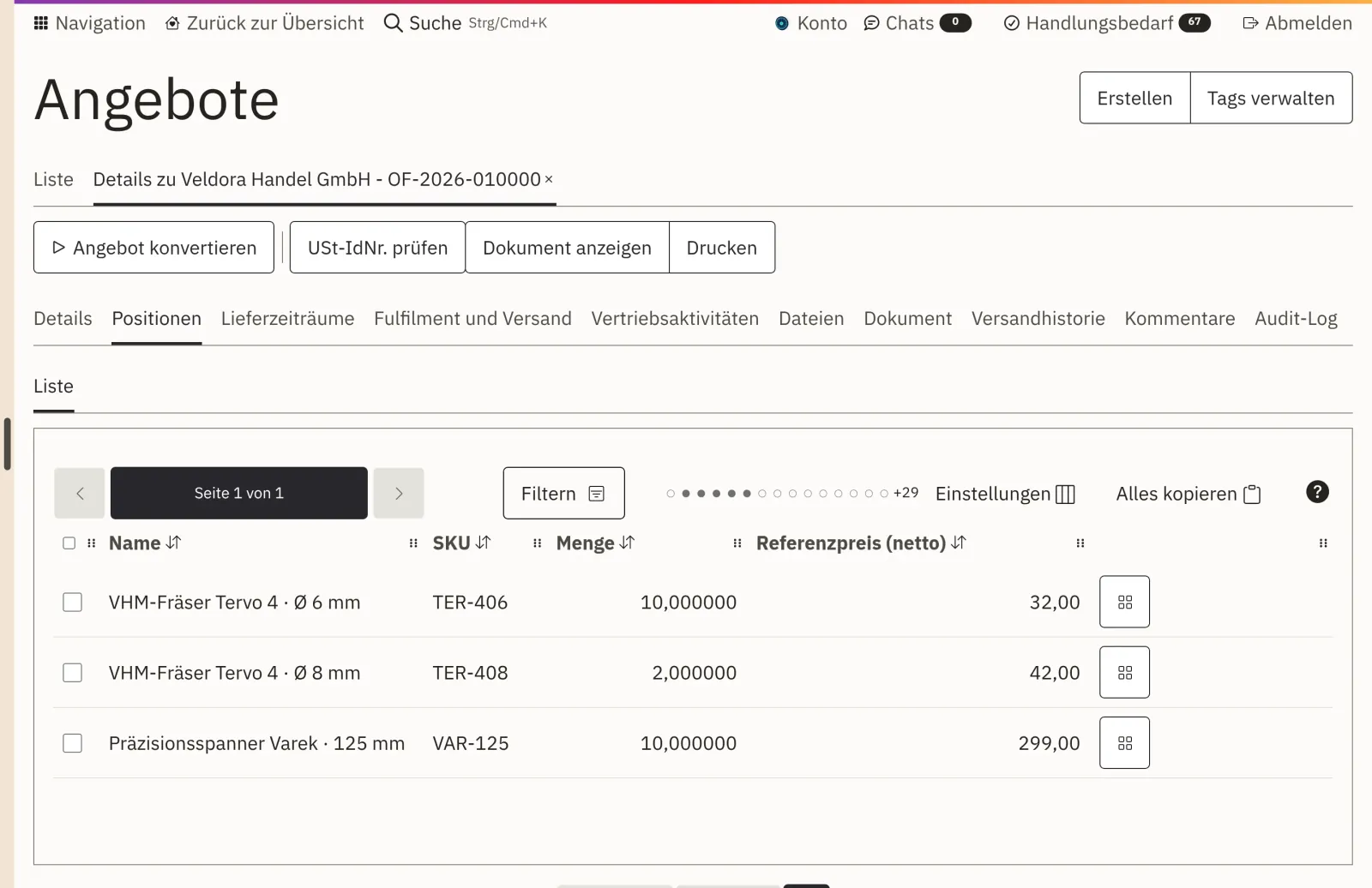
Veldora Handel GmbH orders ten milling cutters, one milling cutter in a different diameter and a chuck.
In the B2B ecommerce platform Shopcloud, your business customers order at their own prices, with several employees through one company account, and pay on invoice. Each order then lands in your order processing with exactly those prices.
What your business customers get
Company accounts, customer-specific prices and pay on invoice are part of Shopcloud, whether you sell as a manufacturer or in wholesale. We configure them with you during setup.
01 · Company accounts with roles
Several employees of a customer order through one company account. Each signs in with their own account after a personal invitation and acts on behalf of their company. That way, you always see who placed an order.
02 · 03 · Prices per customer and tiers
After signing in, every business customer sees the prices from their price list, with tiers and net on request. From the agreed quantity, the lower price applies, in the cart as well as in the order.
04 · Pay on invoice
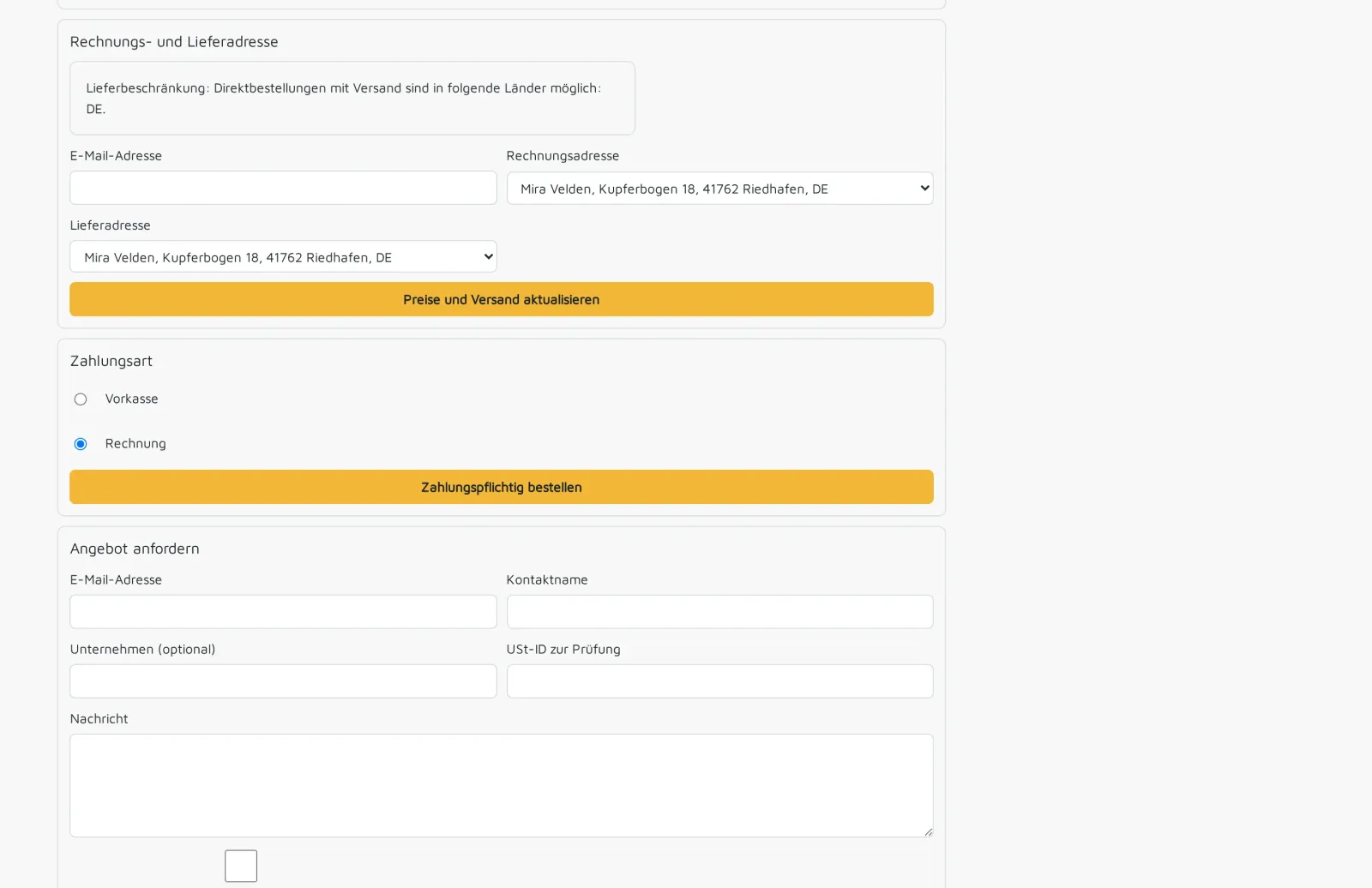
Approved business customers select invoice as the payment method at checkout. The order then goes straight into further processing without waiting for a payment to arrive.
05 · Quote instead of order
If an order can't be placed directly, for example for large quantities or a project, your customer requests a quote from the cart. This creates a quote with the line items from the cart, which your sales team reviews and sends.
06 · 07 · Shipping addresses and reorders
You define which addresses a company and each individual person may have goods delivered to. Previous orders and frequently bought items are ready for the next purchase, back in the cart with one click.
Main warehouseApproved for all buyers
South plantApproved for the workshop
Private addressNot approved
One order, one system
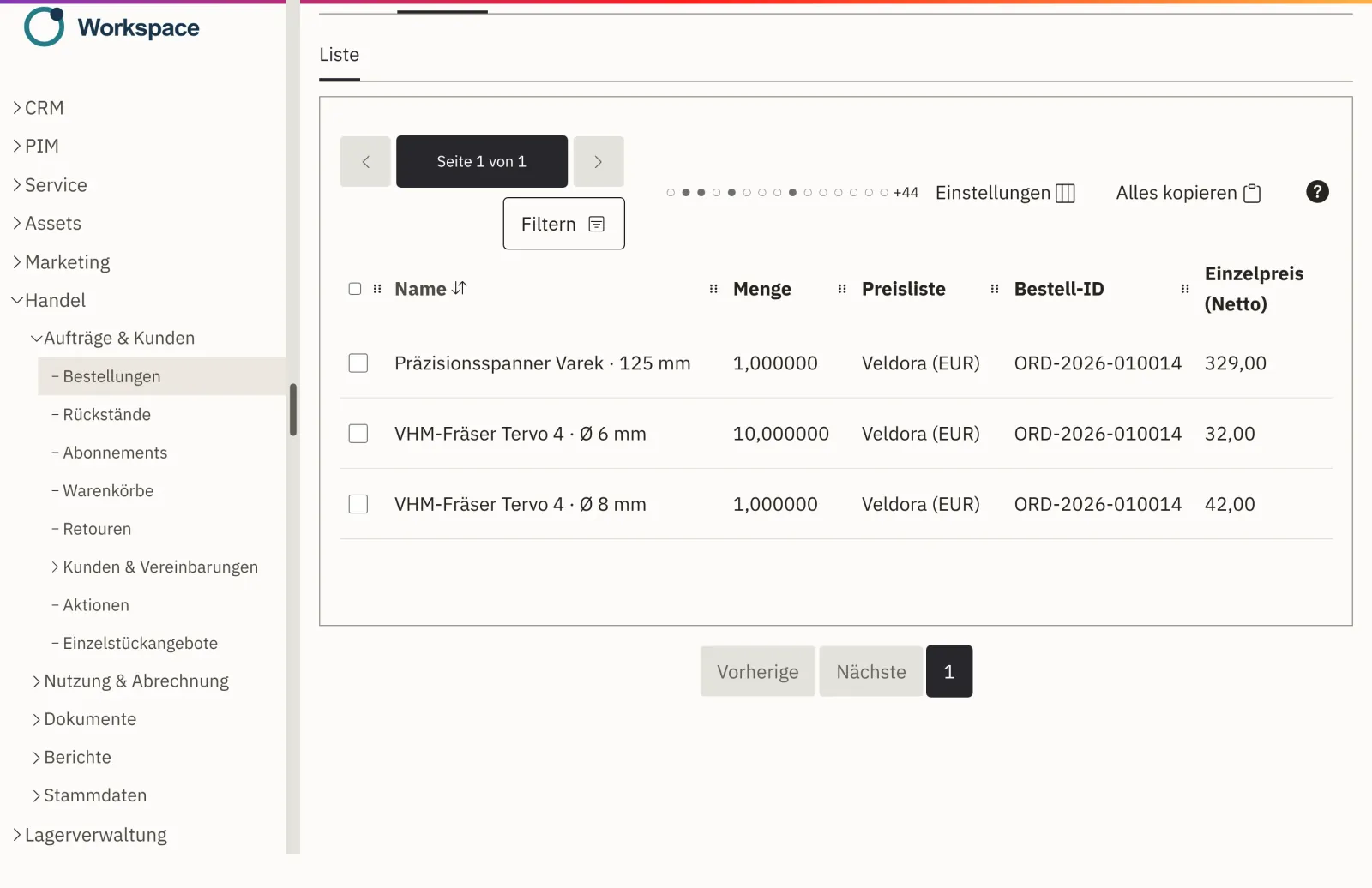
At night, a business customer places an order in your shop. In the morning, your team finds the order in order processing, with this customer's prices.
Veldora Handel GmbH orders ten milling cutters, one milling cutter in a different diameter and a chuck.
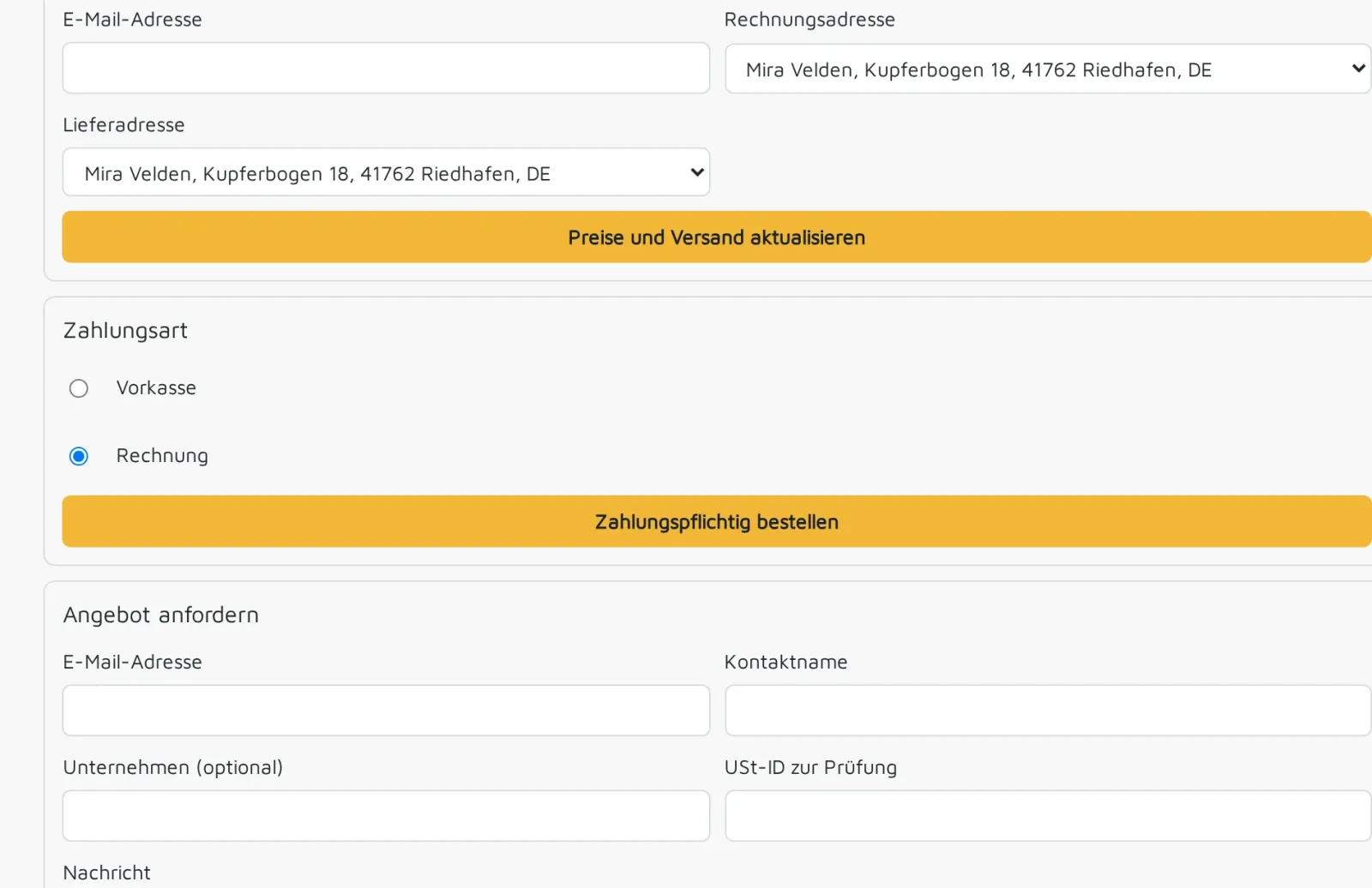
At checkout, the customer selects invoice as the payment method.
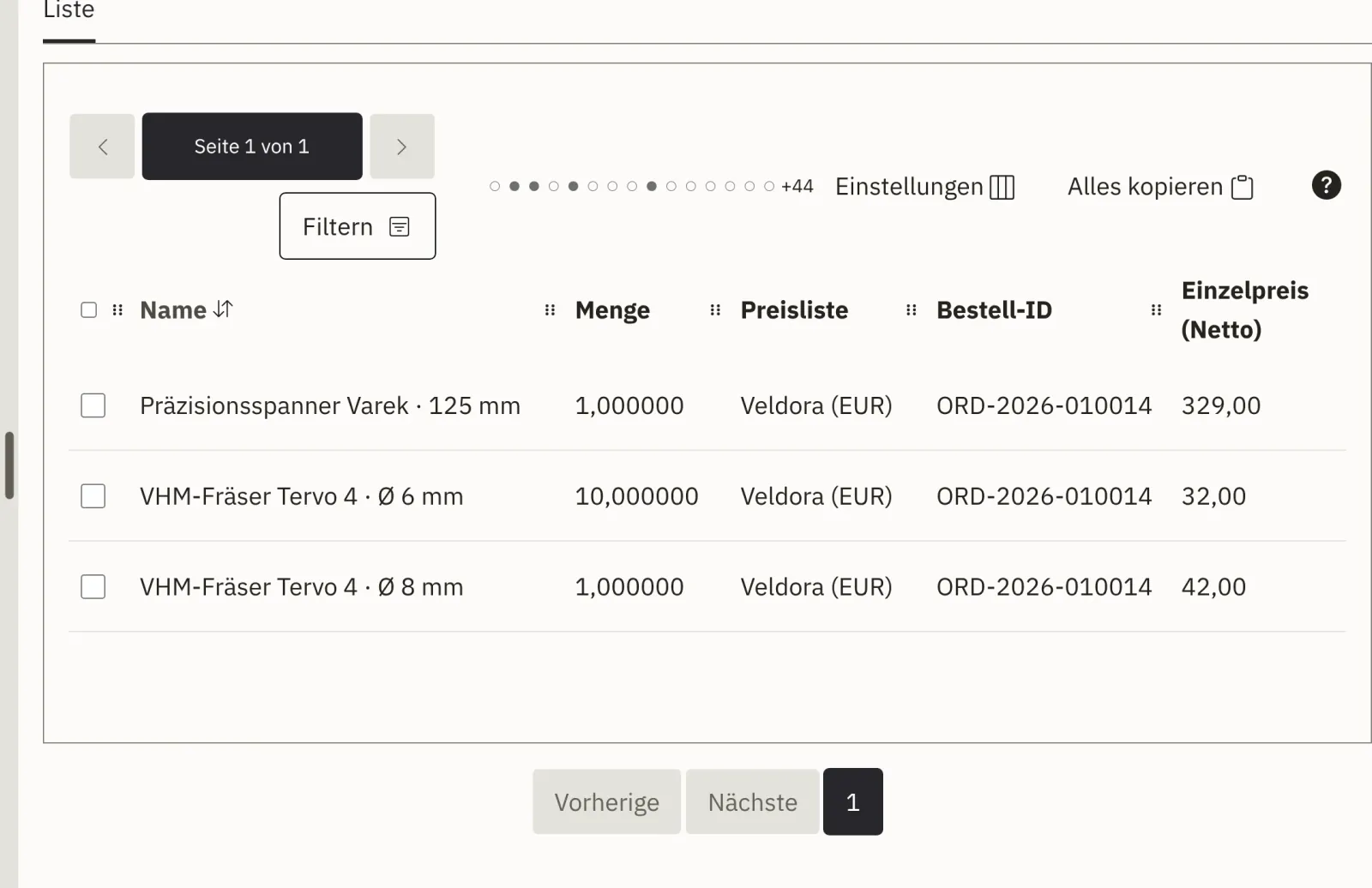
The ten milling cutters get the tiered price from the customer's price list. Nobody has to retype or recalculate anything.
The shop and order processing use the same data: products, prices and orders are in one place. Invoice and delivery note are created from the same order. The views come from our demo environment. More about order processing
Extensions
Because we develop Shopcloud ourselves, an extension can be built into the product itself. We agree in advance who maintains it later.
Discuss an extensionIf your customers should be able to order through another channel, we develop it as a separate project.
PayPal, invoice and prepayment are included. We connect further payment methods as an extension.
We connect an existing ERP system after a review.
Each with their own account, via a personal invitation. That way, it stays visible who ordered what.
The prices from the price list assigned to their company's customer group, with all tiers and net on request.
Yes. Approved business customers order on invoice with their agreed payment terms.
Yes. Consumers buy as a guest or with an account, business customers through their company access at their prices.
You handle orders, invoices, delivery notes and returns in Shopcloud. We connect an existing ERP system after a review.
After the demo, you receive an offer. It lists setup and extensions separately. How your offer comes together
In a demo, you see the company account, customer prices and pay on invoice with sample data, from the cart to order processing. Afterwards, you receive an offer.